
Batch vs Stream Processing: 7 Steps to Choose Right

Every data team hits the same crossroads sooner or later: do we process data in big scheduled chunks, or as it arrives? The debate of batch vs stream processing sounds technical, yet it is really a business question. How fresh does your answer need to be, and what are you willing to pay for that freshness?
Table of Contents
What Is Batch vs Stream Processing?
Think of laundry. Batch processing is waiting until the basket is full and washing everything on Sunday. Stream processing is washing each shirt the moment you take it off. Both give you clean clothes; they differ in timing, effort and cost.
In data terms, batch jobs collect records over a period and process them together on a schedule. Stream jobs handle each event within seconds or milliseconds of its arrival. The batch vs stream processing choice therefore comes down to latency, volume, complexity and budget.
How Batch Processing Works in Real Life
In the world of batch vs stream processing, batch is the older and calmer sibling. A nightly job reads yesterday’s orders, cleans them, joins them with customer data and writes a report before the morning meeting. It is predictable, easy to re-run and friendly to your cloud bill because compute runs only when needed.
- Best for: payroll, billing, monthly reporting, model training and historical analysis.
- Strengths: simple to reason about, cheap at large scale, easy to replay after a bug.
- Weaknesses: results are always a little stale, and one failed job can delay everything downstream.
How Stream Processing Works in Real Life
On the streaming side of batch vs stream processing, data is treated as a never-ending river. Tools such as Apache Kafka move events, and engines like Apache Flink react to them in real time. A card swipe is scored for fraud before the cashier hands back the receipt.
- Best for: fraud detection, live dashboards, alerting, personalisation and sensor data.
- Strengths: instant insight and faster decisions.
- Weaknesses: harder to build, test and debug, and it runs around the clock, so it costs more.
The tricky parts are late events, duplicate messages and keeping state safe when a node fails. Teams that skip these details usually meet them at 2 a.m.
How to Choose Between the Two
Do not start with technology when you compare batch vs stream processing. Start with one question: what is the cost of waiting? If a late answer costs nothing, batch wins. If it costs money, trust or safety, streaming earns its price. When you weigh batch vs stream processing, the freshness curve below is a handy mental model.

- Latency need: seconds point to streaming; hours point to batch.
- Team skills: streaming needs people who are comfortable with state, ordering and failure handling.
- Cost tolerance: always-on clusters cost more than scheduled jobs.
- Data shape: bounded history suits batch; unbounded events suit streams.
Hybrid Platforms: Getting the Best of Both
Real systems rarely pick a side. A common pattern keeps events in a durable log, runs a streaming path for instant needs and a batch path for accurate, corrected history. Both write to shared storage and one serving layer answers questions. This keeps the batch vs stream processing argument from splitting your team in two.

Modern table formats and unified engines make batch vs stream processing easier to combine than it was a few years ago, because the same logic can often serve both paths. Fewer copies of the code mean fewer arguments about whose number is right.
Risks and Mitigations
| # | Risk | What it looks like | Mitigation |
|---|---|---|---|
| 1 | Over-engineering | Streaming built for a report read once a day | Prove the latency need first |
| 2 | Duplicate events | Customers charged or counted twice | Idempotent writes and unique event IDs |
| 3 | Late data | Totals change after dashboards are shared | Watermarks and clear correction rules |
| 4 | Cost creep | Always-on clusters nobody owns | Budgets, autoscaling and tagging |
| 5 | Two codebases | Batch and stream results disagree | Shared logic and reconciliation checks |
| 6 | Weak monitoring | Lag grows silently | Alerts on consumer lag and job freshness |
Reliability habits matter as much as the tools in any batch vs stream processing setup. If you want a calm approach to outages, our guides on SRE best practices and container monitoring tools pair nicely with any pipeline you build.
A 7-Step Roadmap to Decide With Confidence
Use this order when you are deciding batch vs stream processing for a new workload. It keeps the work small and the lessons cheap.
| # | Step | Action | Outcome |
|---|---|---|---|
| 1 | Define the decision | Write down what the data will trigger | A clear latency target |
| 2 | Price the delay | Estimate the cost of a late answer | Evidence for or against streaming |
| 3 | Start with batch | Ship a simple scheduled job first | A working baseline |
| 4 | Add a stream where it pays | Move only the urgent use cases | Targeted real-time value |
| 5 | Design for replay | Keep raw events in a durable log | Easy fixes and audits |
| 6 | Monitor freshness | Track lag, errors and cost per run | Early warnings |
| 7 | Review each quarter | Retire pipelines nobody uses | Lean, trusted platform |
FAQ
Is streaming always better in batch vs stream processing?
No. Streaming is faster but costs more and is harder to run. Batch is often the smarter choice when hours of delay are acceptable.
Can I use batch and stream processing together?
Yes. Many teams run a streaming path for instant needs and a batch path for corrected history, sharing storage and one serving layer.
What is the biggest mistake teams make?
Treating batch vs stream processing as old versus new, and choosing streaming because it sounds modern, before proving that anyone needs the data sooner.
Which tools should I look at first for batch vs stream processing?
For streaming, Apache Kafka and Apache Flink are widely used. For batch, scheduled SQL, Spark and warehouse jobs cover most needs.
Final Thoughts
The batch vs stream processing decision is not a contest between old and new. It is a trade between speed, cost and simplicity. Start from the business moment that needs the data, build the simplest thing that meets it, and add real-time paths only where waiting hurts.
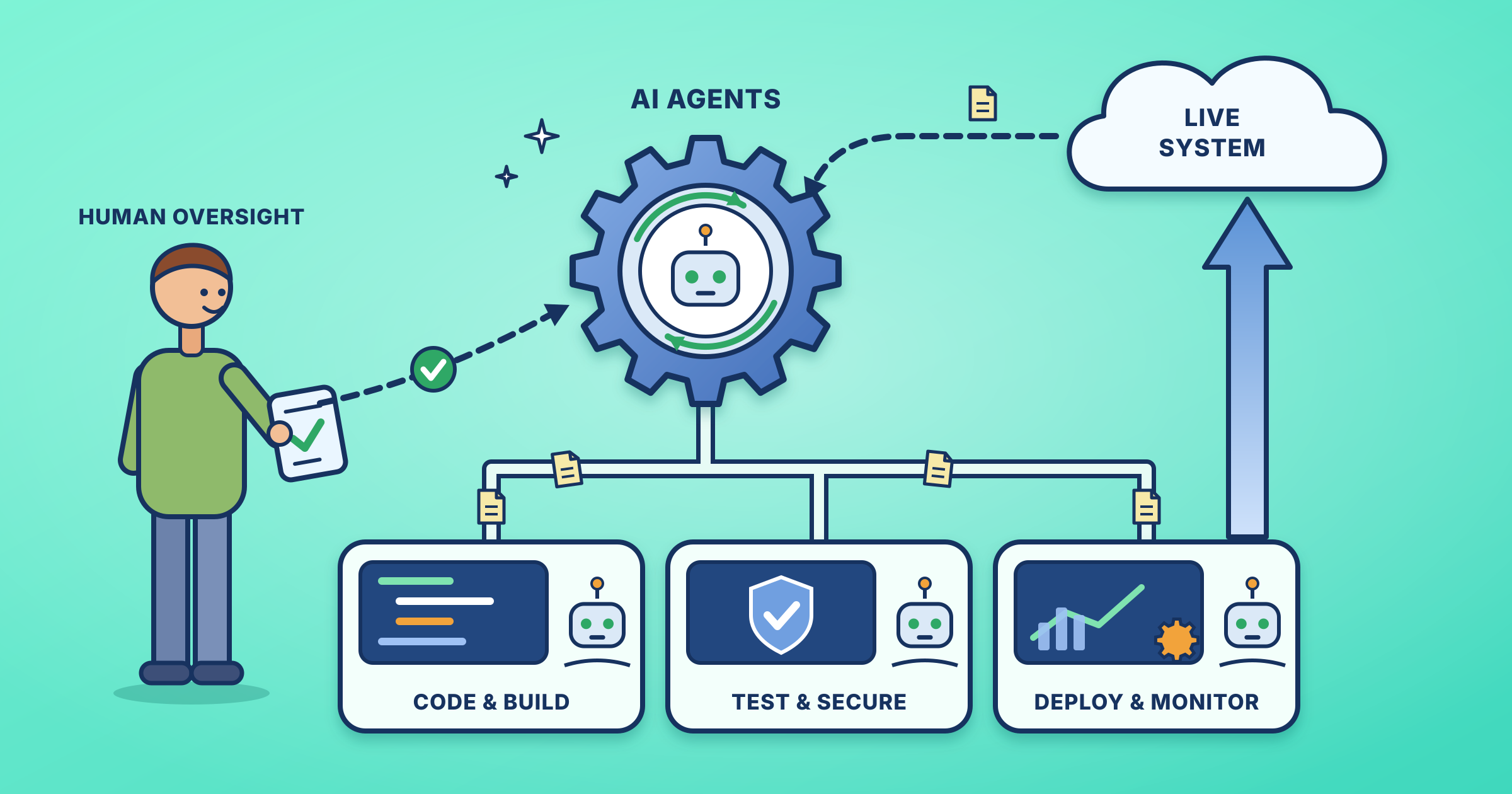
If you are also exploring how automation reshapes engineering work, read our walkthrough of Agentic DevOps in action for a human-friendly view of where this is heading.
Sources
Open Source For You, the idea that inspired this guide
Keep exploring: See all SRE and DevOps guides.
Leave a Reply